Most teams cross-post the same way: publish on one network, then copy the text, re-upload the media and post it again everywhere else. It's slow, and it's where mistakes creep in – the wrong crop, a caption over the limit, a post that goes out twice.
Rules instead of chores
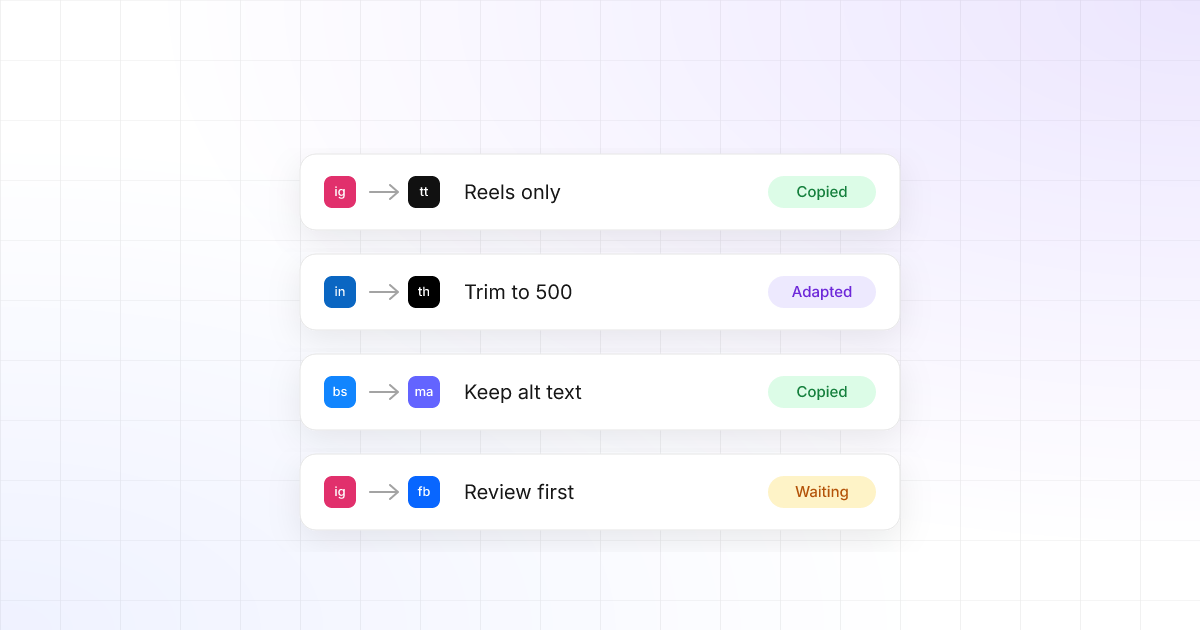
In TrackMedia you watch one account and describe what should happen when it publishes. A rule like Instagram Reels → TikTok copies each new Reel to TikTok, adapted to TikTok's rules. You set it up once.
Start in review mode
New rules start switched off and in review mode. Copies wait as drafts until someone approves them, so you can check a few before letting a rule run on its own.
You can always see what was copied where, and why anything was skipped. Every skipped destination has a reason next to it.
Adapted for every destination
Each copy respects its destination's limits and norms, instead of a lowest-common-denominator version of the post:
- Captions trimmed to each network's limit – 500 characters on Threads.
- Alt text carried over to networks that support it.
- Hashtags moved to the end where that's the norm.
- Videos too long for a destination are skipped, with the reason shown.
No loops, no duplicates
Every copy carries an origin mark, so a post copied from Bluesky to Mastodon is never copied back again. A retry after a timeout finds the post that was already made instead of making a second one.
Try it
Crosspost is available in every workspace. Open Crosspost, pick the account to watch, and add your first rule. Start for free.