Blog
Guides, product news and ideas for turning social posts into revenue.
How to edit TikTok videos in the app
To edit a TikTok video, record or upload it, tap Edit on the side panel, then trim, split, add sound and text. Here are the exact buttons TikTok lists.
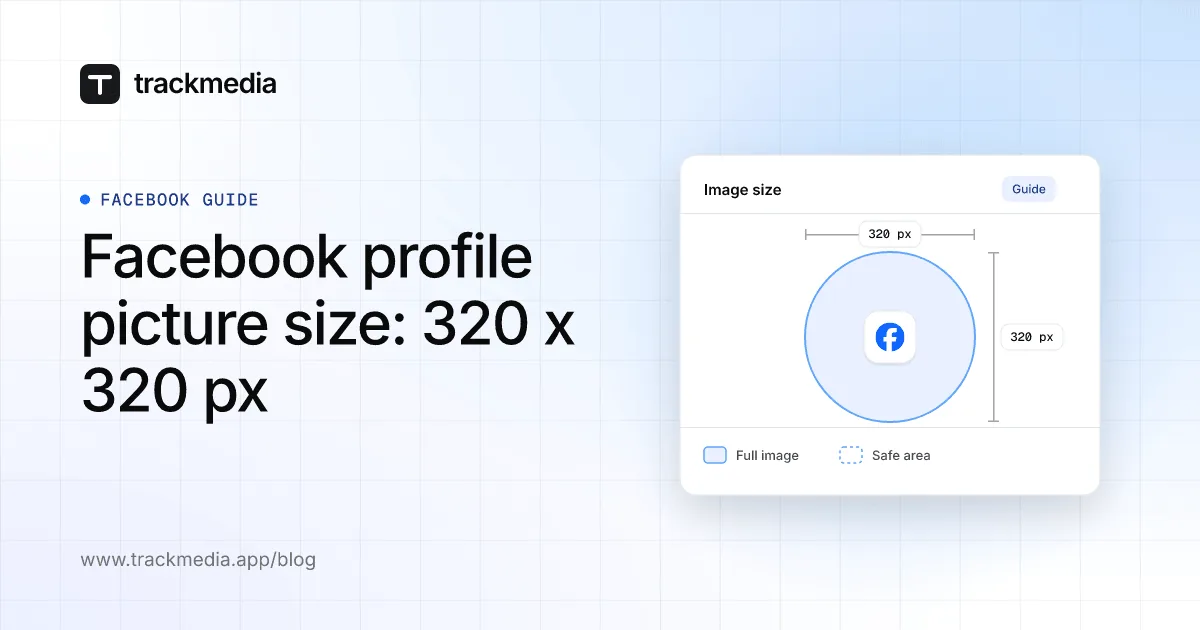
Facebook profile picture size: 320 x 320 px
Facebook says a Page profile picture should be 320 x 320 pixels for best quality and shows as a circle. It publishes no size for personal profile pictures.
Pinterest violation notice: reasons and appeal
A Pinterest violation notice means Pinterest limited or removed a Pin, board or account under its Community Guidelines. You can appeal from the notice email.
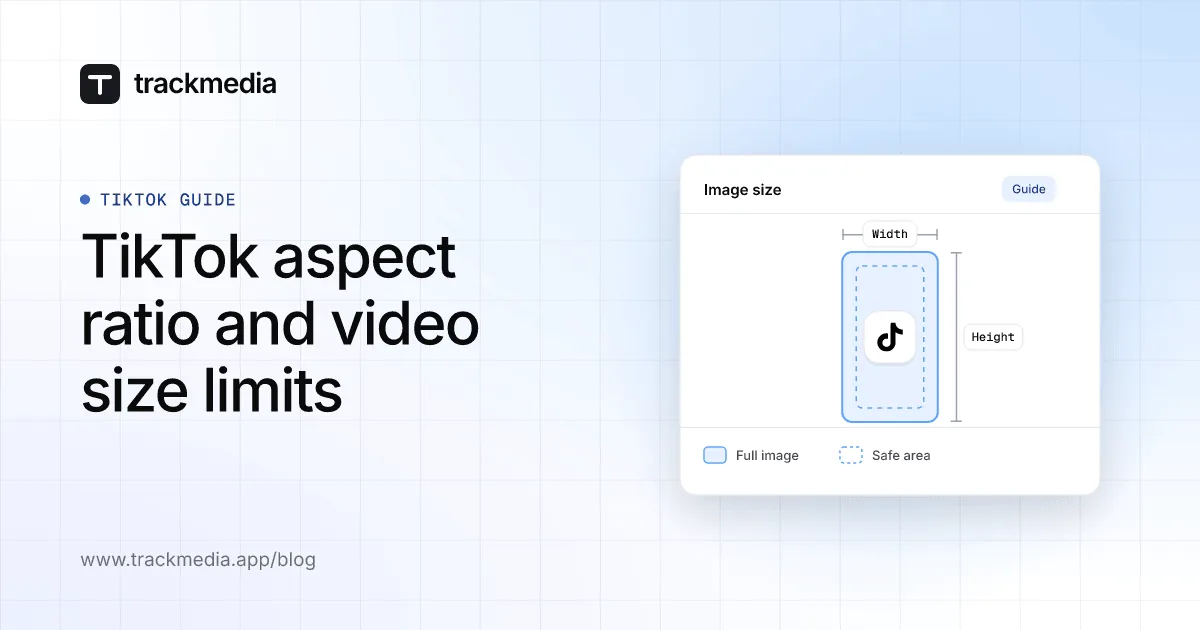
TikTok aspect ratio and video size limits
TikTok publishes no aspect ratio in its Help Center. Its developer docs give MP4, WebM or MOV up to 4 GB, 360 to 4096 pixels per side and 23 to 60 fps.
How to get followers on Pinterest: what works
To get followers on Pinterest, finish your profile, claim your website, and keep publishing Pins people can find. Pinterest publishes no shortcut.
LinkedIn post image size and aspect ratio
LinkedIn recommends photos 1080 pixels wide, with a ratio from 3:1 to 4:5 and a 5 MB limit. Here is what that means for landscape, square and portrait posts.
What are impressions on Pinterest? Explained
Impressions on Pinterest count the number of times your Pins or ads were on screen. They are not people and not clicks. Here is where to find them.
YouTube video dimensions, size and file limits
YouTube video dimensions default to 16:9, such as 1920 x 1080, and a file can be up to 256 GB or 12 hours, whichever is less. Formats and bitrates below.
Can you see who views your Pinterest profile?
Pinterest has profile views only as a count: Pin stats show Profile visits per Pin, and Analytics shows audience totals. Pinterest names no individual viewers.
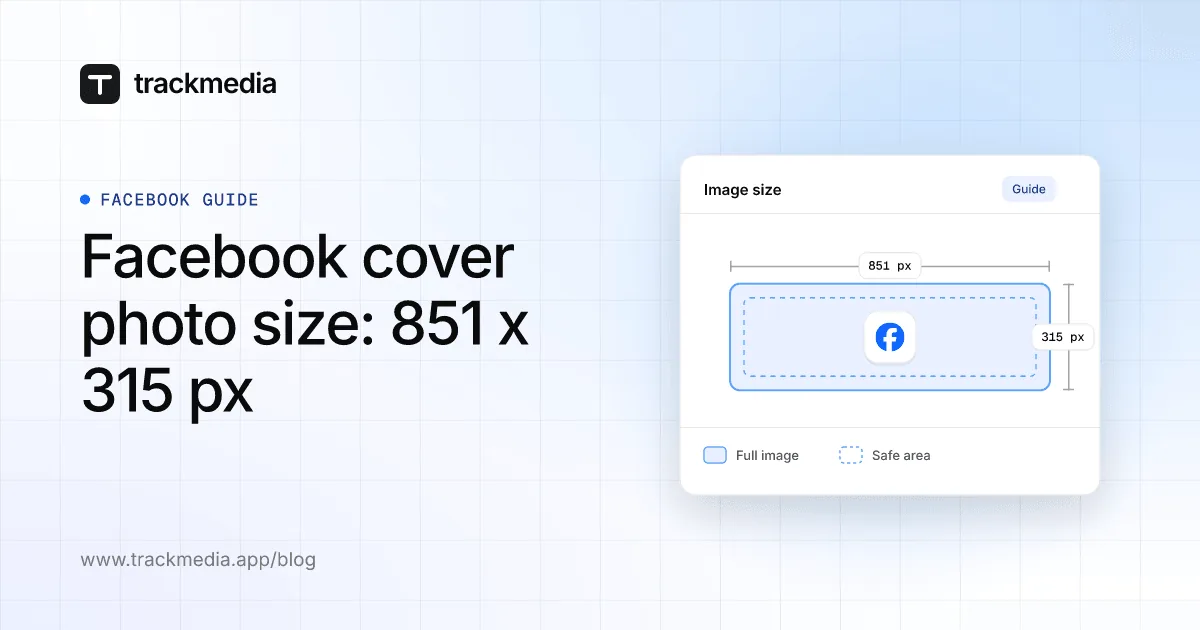
Facebook cover photo size: 851 x 315 px
Facebook says a Page cover photo loads fastest as an sRGB JPG 851 x 315 pixels and under 100 KB, with a 400 x 150 minimum. Profile covers need 720 px wide.
How to make money on Pinterest: 4 official ways
You can make money on Pinterest with product tags, affiliate links, brand partnerships or traffic to your own site. Pinterest does not pay for views.
Facebook event cover photo size and steps
Facebook publishes no pixel size for an event cover photo, and you cannot edit its size once it is added. Here are the exact steps and what to check first.
How to schedule a Facebook post (Page posts)
To schedule a Facebook post, create it for your Page in Meta Business Suite or a scheduling tool, then choose a later date and time instead of posting now.
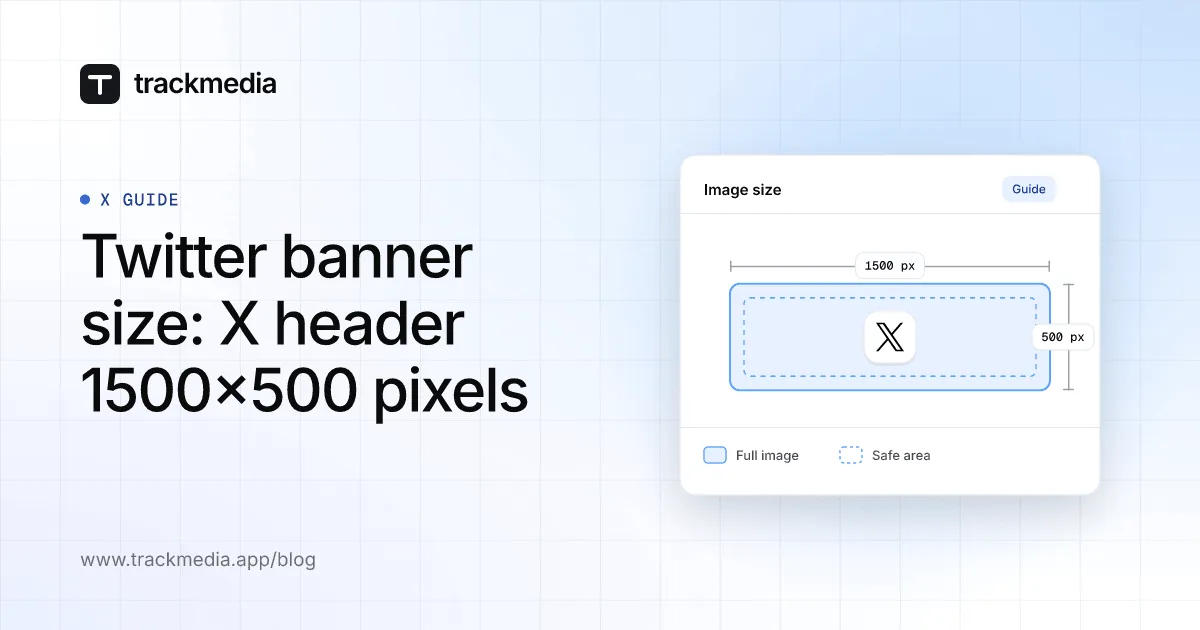
Twitter banner size: X header 1500x500 pixels
X (formerly Twitter) recommends a 1500x500 pixel header image in JPG, GIF or PNG. Here is what X's Help Center says about cropping, files and how to change it.

How the Facebook algorithm works in 2026
The Facebook algorithm gathers recent posts, scores them on thousands of signals and ranks by predicted value. Here is what Meta publishes and how to steer it.
Discord banner size: profile and server
Discord profile banners need at least 680x240 pixels (its own pages also say 600x240), and server banners 960x540 at 16:9. Formats, limits and steps below.
How to delete a Facebook business Page
To delete a Facebook business Page, switch into it, open Settings, then Access and control, and choose Delete Page. It is removed for good after 14 days.
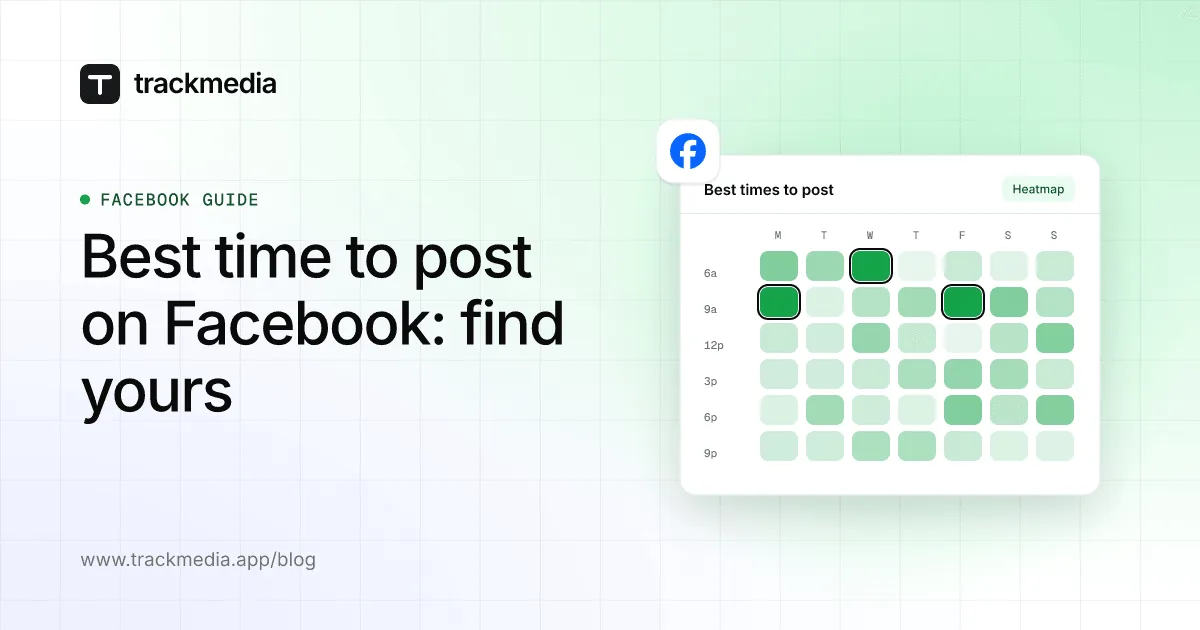
Best time to post on Facebook: find yours
Meta names no best time to post on Facebook. Its Active times and Audience insights show when your own followers are active, and you can test those slots.
How to create a Facebook group in 6 steps
To create a Facebook group, click Groups in the left menu, then Create new group, name it, choose privacy, invite people and click Create. Group vs Page too.
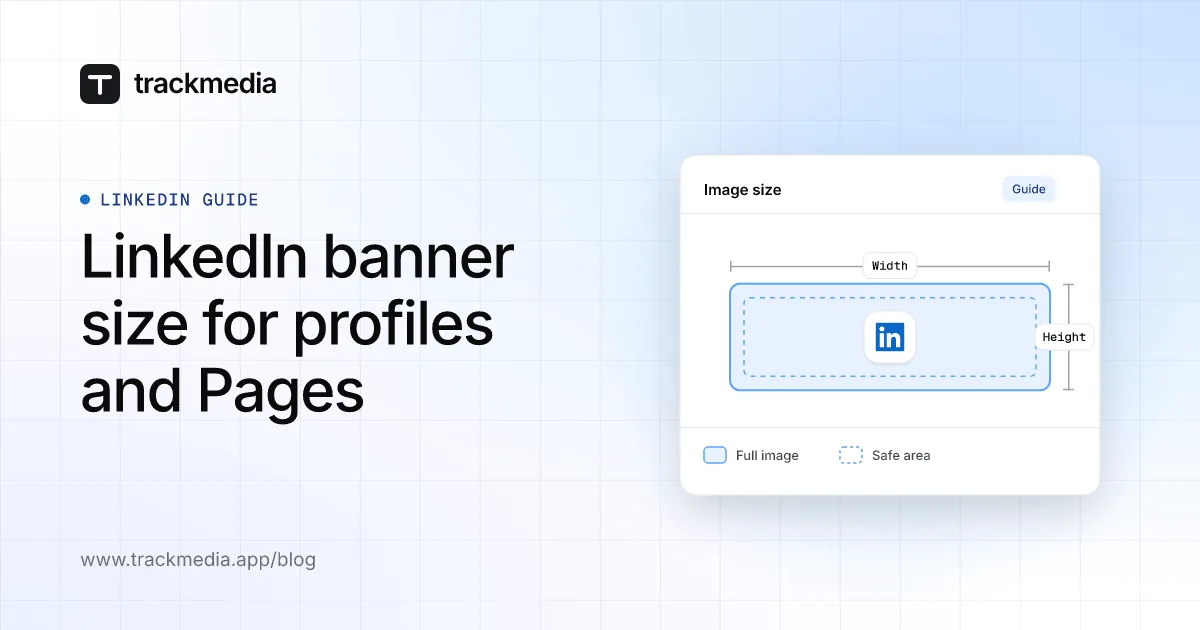
LinkedIn banner size for profiles and Pages
A LinkedIn profile banner is 1584 x 396 pixels (JPG or PNG, under 8 MB). A Company Page cover is 1512 x 256 pixels, PNG or JPEG, up to 3 MB.
How to change your Facebook profile picture
To change your profile picture on Facebook, open your profile, click the Camera icon on your picture, choose a photo and save. Page and temporary steps too.
YouTube banner size: 2560 x 1440 px, 6 MB max
The YouTube banner size is 2560 x 1440 pixels (minimum 2048 x 1152, 16:9) and 6 MB or less. See the 1235 x 338 safe area and why banners get cropped.
How to use LinkedIn: a beginner's first week
To use LinkedIn, join with your real name, build a profile, connect with people you know, share a post and search jobs. Here are the steps and labels for each.
YouTube thumbnail size: 3840 x 2160, 16:9
YouTube recommends a 3840 x 2160 thumbnail, 16:9, as JPG or PNG, with a 640-pixel minimum width. The limit is 50 MB on desktop and 2 MB on mobile.
How to create a company page on LinkedIn
To create a company page on LinkedIn, click For Business, then Create a Company Page, pick the Page type and fill in the details. It is free. Steps here.
How to tag someone on LinkedIn (posts, photos)
To tag someone on LinkedIn, type @ in your post or comment and pick their name from the list. For a photo, use the Tag option. Steps for desktop and mobile.
What 1st, 2nd and 3rd mean on LinkedIn
1st, 2nd and 3rd on LinkedIn show how far someone is from you: 1st are your direct connections, 2nd know your connections, 3rd know your 2nd-degree ones.
How to edit YouTube videos: trim, blur, audio
You can edit a YouTube video after upload in YouTube Studio: open Content, pick the video, then Editor to trim, blur or add audio. Steps and limits here.
How to make another YouTube channel
To make another YouTube channel, open your channel list, click Create a new channel, and name it. That creates a Brand Account you can manage from one login.
How to share your LinkedIn profile: 3 ways
To share your LinkedIn profile, use Resources, then Send Profile in a message on desktop, or Your Profile, then Share via on mobile. Or copy your public URL.
How to hide likes on Instagram: 3 ways
To hide likes on Instagram, open a post’s Options and tap Hide like count to others, or turn on Hide like & share counts in Settings for posts you see.
How to reply to a DM on Instagram (any device)
To reply to a DM on Instagram, open Messages, tap and hold the message (or hover on a computer) and tap Reply. Here are the steps for every device.
How to upload a video to YouTube, step by step
To upload a video to YouTube, sign in to YouTube Studio, click CREATE, then Upload videos, and pick your file. Phone steps and limits are below.

What is the Threads app? A plain-English guide
Threads is an app from Instagram for viewing and sharing public conversations. Anyone with an Instagram or Facebook account can create a profile.
Am I shadowbanned on X? How to check
X does not use the word shadowban, but its Help Center says it can limit a post’s reach. Here is what X documents, how to check, and what to do next.
How to go live on Instagram: phone and computer
To go live on Instagram, swipe right in Feed, scroll to Live and tap Go live. You need a public account with 1,000 or more followers, per Instagram.
How to turn off AI on Pinterest: 4 settings
To turn off AI on Pinterest, open Refine your recommendations and switch off Show AI content. Pinterest says this reduces AI Pins; it does not remove them all.
How to calculate engagement rate: formulas
Engagement rate is engagements divided by reach, impressions, views or followers, times 100. Pick one divisor, use it every time, and compare your own posts.
How to use Instagram Reels for business
To use Instagram Reels for business, set up a professional account, post short videos with one idea, put a tracked link in your bio, and read reel insights.
How to build a brand on social media, step by step
To build a brand on social media, decide who it is for, write a one-page voice sheet, keep your profile the same everywhere, and post a few themes steadily.
How to schedule social media posts on every network
Write the post, choose a date and time in the composer, then schedule it. This guide gives the exact steps and limits for seven networks and for TrackMedia.
How to get more views on TikTok, per TikTok
To get more views on TikTok, make videos people finish and interact with. TikTok says its For You feed ranks videos by predicted interest, not follower count.
How to switch to a personal account on Instagram
To switch to a personal account on Instagram, go to Account type and tools, then Switch account type, then Switch to personal account. Here is what you lose.
What is Instagram Instants? How it works
Instagram Instants lets you send an unedited, in-the-moment photo to Close Friends or mutuals. It disappears after it is viewed and expires after 24 hours.
How many photos can you post on Instagram?
You can post up to 20 photos and videos in one Instagram carousel. Here is how to add them, what you can still edit after sharing, and what TrackMedia allows.
How to unrepost on Instagram
To unrepost on Instagram, tap Repost again on the reel or post you reposted. To remove several, go to Menu, Your activity, Reposts, select them and tap Delete.
How to find your Facebook URL (profile or Page)
To find your Facebook URL, open your profile or Page in a browser and read the address bar. Your username is the last part. Steps for profiles and Pages.
What is CTR? Click-through rate, explained
CTR is click-through rate: clicks divided by impressions. Five clicks on 100 impressions is a 5% CTR. Here is how to read and track it for social posts.
How to make money on Instagram: tools and pay
Instagram pays creators through Gifts, Subscriptions, Badges and invite-only Bonuses, plus brand deals. Here are the published requirements and rates.
How to make money on YouTube: the real rules
Join the YouTube Partner Program with 1,000 subscribers plus 4,000 watch hours or 10 million Shorts views, then earn from ads, memberships and more.
How to see who reposted your Instagram post
Instagram's Help Center describes no list of who reposted your post, and says you cannot see who reshared a reel to a story. Here is what you can check.
What does FYP mean on TikTok?
FYP means For You page, TikTok's personalized main feed. Here is how it picks videos, how to shape yours, and what #fyp does and does not do.
How many followers to go live on TikTok
TikTok publishes no follower number for LIVE. It says you need the required count, which varies by region, plus be 18 or older. Here is how to check yours.
How to change your YouTube username (handle)
Change your YouTube handle in YouTube Studio under Customization, then Profile, then Handle, and click Publish. You can change it twice in 14 days.
What is a digital creator? Types and tools
A digital creator is a person who makes content for online audiences, such as videos, photos or writing. See the account types, income paths and tools.
How to see who unfollowed you on Instagram
Instagram does not tell you who unfollowed you, and its Help Center describes no list of them. Here is what you can check yourself, and what to avoid.
How to see your subscribers on YouTube
In YouTube Studio, open the Dashboard and click See all on Recent subscribers, or open Analytics and the Realtime card for your count. Phone steps too.
How much does YouTube pay per view?
YouTube publishes no pay-per-view rate. It pays partners a revenue share: 55% of net ad revenue on videos and 45% of allocated Shorts revenue.
How to make a post shareable on Facebook
To make a Facebook post shareable, set its audience to Public. Posts shared with Friends may not show a Share option. Steps for profile posts and Pages.
How to start a YouTube channel in 7 steps
To start a YouTube channel, sign in, open Settings, choose Create a channel, add a name, handle and picture, then upload. Seven steps through to a schedule.
Does Instagram notify when you screenshot?
Instagram's help pages describe a screenshot alert only for disappearing photos and videos in chats. Here is what it says about Stories, posts and Reels.
How to post on Instagram: phone and computer
To post on Instagram, tap Create, tap POST, pick a photo, tap Next twice, add a caption and tap Share. Steps for phone and computer, plus carousels.
How to grow followers on Instagram organically
To grow followers on Instagram organically, post original content people save and share, use Reels and Collabs to reach non-followers, and post consistently.
How to use Twitter (X): a beginner's guide
To use Twitter, now called X, create an account, follow people, then tap the post icon to write up to 280 characters. This guide covers each step.
How to write a bio for Instagram, with 25 ideas
Write an Instagram bio in 150 characters: say who you help, what you do and what to do next. Steps to edit it, ideas to copy, and how to track the link.
How to use Pinterest: a beginner's guide
To use Pinterest, sign up, save Pins to boards, and create your own Pins from an image or video. Here are the exact steps, limits and how to send traffic.
SaaS Hunter: how to launch your SaaS where buyers look
SaaS Hunter is a discovery site for new SaaS products. Here is how a listing helps, how to prepare one, and how to measure the visits it sends you.
How to see scheduled posts on Instagram
Open your profile, tap Menu, then Scheduled content to see, edit, reschedule or delete scheduled Instagram posts and Reels. Stories and desktop covered too.
How to see and edit scheduled posts on Facebook
Open Meta Business Suite, then Content and Scheduled, or use Planner. Here is how to find, edit, reschedule or delete a scheduled Facebook Page post.
How to see and edit scheduled posts on LinkedIn
Click Start a post, then the clock icon, then View all scheduled posts. Here is where to find, edit, reschedule and delete scheduled posts on a profile or Page.
Does scheduling a post on TikTok affect views?
We found no TikTok statement that scheduling changes views. Here is what TikTok does document, its limits, and how to test it on your own account.
UTM naming conventions for social media
A copyable UTM naming convention for social media: lowercase values, fixed lists for source and medium, and how GA4 groups utm_medium into channels.
UTM checker: how to verify UTM links in GA4
No special tool needed: read the URL, click it, and confirm the tags in Google Analytics 4. Includes a fix table for UTM tags that do not show up.
How to automate Instagram posts safely
Schedule in Instagram or publish through Meta's official API. Here is how to automate Instagram posts, what breaks, and what Instagram's rules ban.
How to post to Instagram and Facebook at the same time
Turn on Instagram's Also share on toggle, or use Meta Business Suite. Here are the steps, why a post may not share, and what a multi-network tool adds.
How to add a link to an Instagram Story
Tap the sticker icon, choose Link, paste your URL and share. Here are the exact steps, what to do if the Link sticker is missing, and how to see clicks.
Link in bio tools: how to choose one
A link in bio is the clickable link in your profile. Here is what it does, whether Linktree is free, and how to choose a tool that fits how you post.
How to see who clicked on your Instagram link
Instagram shows how many people tapped your link, not who. Here's how to count clicks by link, source and country with tracked links and UTM tags.
Twitter character limit: 280, and what counts
The twitter character limit is 280 per post on X, or 25,000 with Premium. See how links, emoji, mentions and media count, and how to fit other networks.
How to manage multiple social media accounts
A practical system for managing multiple social media accounts: one calendar, least-access roles, a review step, a posting checklist and per-account tracking.
How to schedule messages on Discord
Discord lists scheduled messages only as a beta for a small random group. Here is what Scheduled Events, webhooks and bots do, and how to time an announcement.
What do the insights mean on Instagram?
Views count every play, Viewers count each account once, and Interactions count actions. Here is what each Instagram Insights metric means, per Instagram.
Instagram Reels length, size and aspect ratio
Instagram's Help Center says a Reel can run up to 20 minutes in the app, while Meta's API reference says 15. Here are the length, size and ratio limits.
Where to find the link in bio on Instagram
Instagram lets you list up to 5 links on your profile, set under Edit profile, then Links. Here is where to find them, and how to add, edit and view them.
YouTube Shorts aspect ratio, length and size
A YouTube Short must be square or vertical and up to 3 minutes long. Here are the exact rules, the resolution limit, and how to upload or schedule one.
How to crosspost on Reddit (now called Repost)
To crosspost on Reddit, tap Repost under a post, pick a community, edit the title or flair, and post. See what it keeps and why some communities block it.
How to check analytics on TikTok
Open TikTok Studio in the app or on the web and choose Analytics. Here is the path, what each tab shows, date ranges, UTC timing and what is missing.
How to edit a post on X and schedule posts
Edit a post on X within 1 hour, up to 5 times, with X Premium. To schedule one, use the x.com calendar icon, X Pro, Media Studio or X Ads.
How to schedule Instagram DMs
You can schedule an Instagram DM from the phone app if it is text only. Here are the steps, the limits, and what Meta documents for apps that send DMs.
How to cancel a scheduled post on Instagram
To cancel a scheduled Instagram post, open Scheduled content, tap Options and choose Delete. Meta Business Suite and scheduling tools work differently.
How to edit scheduled posts on Instagram
In the Instagram app, open Scheduled content, tap Options, then Edit post. Instagram does not say what Edit post can change, so here is what its pages document.
How to repost a reel on Instagram
Open a public reel in the Instagram app, tap Repost, add an optional note and tap Save. Here is where reposts show, how to allow or remove them, and the limits.
Instagram story analytics: where to find them
Instagram story analytics sit in Insights for up to two years, but viewer names last 48 hours and API data 24. Here is where to look and what each limit means.
Best hashtags for Instagram Reels: the official rules
Instagram publishes no list of the best hashtags for Reels. Here is what its Help Center says about limits and how tags work, and how to test your own.
Can you schedule story posts on Instagram?
Yes, in Meta Business Suite. The Instagram app help page covers posts and Reels, not Stories, and TrackMedia does not publish Stories.
How to get your Instagram profile link
Copy your profile link with Share profile, a post link with Send then Copy Link, and a Reel link from your browser. Steps come from the Instagram Help Center.
Instagram reel template: use, save, create
An Instagram reel template reuses another reel's music and timing with your own clips. Steps to use, save and create one, plus the limits Instagram documents.
How to turn off cross posting on Instagram
Turn off Instagram's sharing to Facebook in Accounts Center, skip it for one post, or disconnect your Page. Steps from Meta's help pages, read October 2026.
Instagram content calendar: how to plan one
Plan an Instagram content calendar with Instagram scheduling, Meta Planner or the TrackMedia calendar, plus cadence advice we label as opinion, not a rule.
Best day to post on Instagram: find yours
Instagram publishes no universal best day or time. Find yours in Instagram Insights, test it with a simple schedule, and check the result in TrackMedia.
How to post reels on Instagram
To post a reel on Instagram, tap Create, then REEL, add a video, tap Next and Share. Steps for the app, a computer, Meta Business Suite and the API.
How to post on Instagram from a computer
On instagram.com, click Create, then Post, then Select from computer. Here are the official steps, what Instagram says is app-only, and where scheduling lives.
Instagram: we suspect automated behavior on your account
We found no Instagram article for this exact message. Its closest Help Center pages cover scraping and shared logins, plus steps to secure your account.
How to add Instagram link to TikTok bio
TikTok no longer supports links that open or log you into other apps. Add your profile as a website link (1,000 followers or Verified Business Account needed).
Automated comments on Instagram: what's allowed
Meta bars automated comments that make an account look popular, but documents replies and first comments on your own posts. See what is allowed.
Instagram automation tools: what is allowed
Instagram automation tools are allowed when they publish through Meta's official API. Here is what Meta restricts and a checklist for choosing one.
How to put a link in your TikTok bio
TikTok says you can add a profile link with at least 1,000 followers or a Verified Business Account. Here are the steps and how to track clicks.
Best time to post on TikTok: find yours
We found no universal best time in TikTok's own pages. Find yours in TikTok Studio, test it with a simple log, and check it against your own results.
TikTok content calendar: how to plan posts
A TikTok content calendar needs a planning cycle, because TikTok's own scheduler reaches only 10 days ahead. Here is how to build one and keep it current.
How to post videos on TikTok
In the TikTok app, tap Add post +, record or upload, tap Next, then Post. On a computer, click Upload in TikTok Studio. Formats, limits and scheduling covered.
How to schedule a live stream on YouTube
Schedule a YouTube live stream in YouTube Studio: Create, Go live, Manage, Schedule stream. Covers requirements, viewer reminders and the mobile app.
How often should you post on YouTube?
YouTube's Help Center names no required upload number. It asks for a schedule you can sustain, and YouTube Analytics shows whether your own cadence works.
Twitter management tools: what to check
Twitter management tools all run on the X API, so its pricing, rate limits and automation rules set what any tool can do. Here is what to check.
How to auto post tweets within X's rules
You can auto post tweets on X through its official API with the owner's consent. Scripting x.com, spam and bulk replies are what X's rules ban.
Third-party vs native TikTok analytics
TikTok Studio shows retention and audience data. Tools see only what TikTok's APIs return, and TikTok has two: a basic one and one behind an application.
YouTube pinned comment when scheduling a video
You cannot pin a comment while a YouTube video is still scheduled, because it is private. Here is what YouTube says, and the steps to pin one at publish time.
Best hashtags for YouTube Shorts: the official rules
YouTube publishes no list of the best hashtags for Shorts. Here is what its Help Center says about limits, placement and spam, and how to test your own.
How to post a YouTube Short
Post a YouTube Short in the app (Create, Upload a video) or in YouTube Studio (CREATE, Upload videos) with a square or vertical file up to 3 minutes.
Instagram Reels vs TikTok: specs compared
Instagram gives Reels 20 minutes in the app and TikTok gives uploads 60. Compare length, specs, analytics, scheduling and links, using official pages only.
How many YouTube Shorts should I post a day?
YouTube gives no ideal number of Shorts per day. Here is what its Help pages say about upload limits, and how to find your own number in Studio analytics.
Instagram Reel vs Story vs Post: Differences
Reels run up to 20 minutes on one Instagram page and 3 on another, Stories last 24 hours, carousels hold 20 items. Differences and a decision table.
Instagram analytics tools: what they can read
Instagram analytics tools that use Meta's API see professional accounts only. Here is what it returns, what it leaves out, and what to check in a tool.
How to schedule YouTube Shorts
You can schedule YouTube Shorts in YouTube Studio with the Schedule card. Here are the steps, what viewers see, and how scheduling in TrackMedia differs.
How to schedule a tweet on mobile
X's How to Post page shows scheduling only under Desktop, not iOS or Android. Here is what X says, and how to schedule from a phone browser instead.
How to edit a post on Facebook
Open the post, choose Options, then Edit post and save. Steps for profile and Page posts, what cannot be edited, and who can see a Page post's edit history.
LinkedIn analytics report template to copy
Copy this LinkedIn analytics report template into a spreadsheet: the metrics LinkedIn gives profiles and Pages, how to export them, and how to read the result.
How to schedule Facebook Stories
Schedule Facebook Stories in Meta Business Suite on desktop or the phone app. Here are the steps, how to reschedule, and what TrackMedia does not do.
TikTok LIVE analytics: where to find them
TikTok LIVE analytics sit in LIVE Center, under the Analytics tab. Here are the tabs, the metrics, the 7 to 60 day range and what we could not check.
How to make a post on Facebook
Click or tap What's on your mind? at the top of your Feed, add your content, pick an audience and post. Page posts work differently, and this guide covers both.
Free LinkedIn scheduling tool: what to use
LinkedIn has a built-in scheduler, and its Help pages list no fee for it. Here is what it does, where it stops, and how to judge any free outside tool.
Best time to post on YouTube: find yours
YouTube publishes no best time to post. Its Analytics shows when your viewers are online, and you can schedule uploads to test those times.
How to repost on X: Repost, Quote and undo
To repost on X, tap the Repost icon under a post, then Repost. Choose Repost as Quote to add a comment, and tap the highlighted icon to undo it.
Best time to post on Twitter (X): find yours
X publishes no universal best time to post. Find yours in X analytics, test it with a simple slot log, and compare it against your own results.
LinkedIn hashtag analytics: what you can track
LinkedIn's analytics help pages list no per-hashtag report. Here is what they do show, and how to compare your own hashtags with a simple log.
How to schedule Pins on Pinterest
Schedule Pins from a business account: Create, Create Pin, Publish at a later date. Pinterest allows 30 days ahead and up to 10 scheduled Pins at once.
How to see my LinkedIn posts
Open your profile, scroll to Activity and click Show all activity. Steps for published, scheduled and draft posts and Company Page posts, on desktop and mobile.
LinkedIn analytics tools: how to judge them
A third-party LinkedIn analytics tool only shows what LinkedIn's API returns. Here is what that covers, where it differs from native analytics, and what to ask.
LinkedIn content planner: how to build one
A LinkedIn content planner is an idea backlog, a dated calendar and a review habit. Here is what LinkedIn gives you natively and what to add around it.
Can you schedule Reels on Facebook?
Yes. Meta Business Suite schedules Facebook Reels from desktop or mobile. Here are the steps, how to edit them, and what Meta does not document.
Can you schedule a message on Facebook Messenger?
Meta documents no send-later option for Messenger. It does offer away messages on set hours, Inbox automations and API messaging rules.
Post to all social media at once, safely
You can post to all social media at once from one draft, but identical copy breaks on length limits. See five networks' limits and how to tailor each version.
Best time to post on Pinterest: find yours
Pinterest's Help Center names no best time to post. Test your own hours with business account analytics and a few scheduled Pins, then read the results.
Telegram schedule message: app, channel, bot
To schedule a Telegram message, hold the Send button and pick Schedule Message. Channels work too, but the Bot API has no scheduling field.
How to add a link to your Discord bio
Discord's About Me holds 190 characters including links, but its help pages never say which formats are clickable. Here is what is documented and how to test.
Bluesky banner size and profile image size
Bluesky publishes no official banner or profile picture size in pixels, only PNG or JPEG files up to 1,000,000 bytes. Here is what its docs and app code say.
How to schedule posts on Bluesky
Bluesky documents no built-in scheduler, so you schedule through a tool that holds the post and publishes it for you. Here is how that works and what to check.
Reddit post scheduler: what Reddit offers
Reddit documents scheduled posts for moderators and Reddit Pro accounts only. See how they work, and what to check before you use any outside scheduler.
Bluesky character limit: 300 per post
The Bluesky character limit is 300 graphemes per post, plus a 3,000-byte cap. See how emoji, links, images and alt text count, and what TrackMedia checks.
How to repost on Reddit: steps, rules and undo
To repost on Reddit, tap Repost under a post and pick a community. Reddit documents no undo button, only deleting the post. Rules and limits explained.
How to post something on Pinterest
To post on Pinterest, click Create, upload an image or video, add a title, description, link and board, then click Publish. App steps and specs included.
Best time to post on LinkedIn: find your own
LinkedIn publishes no universal best time to post. Find yours in LinkedIn analytics, test it with a simple slot log, and compare the results yourself.
Social media platforms with native scheduling features
Eight of 12 platforms document native scheduling in their own app or site. Reddit and Discord limit it, and Threads and Bluesky document none (October 2026).
How to cross post on social media
Cross posting on social media means publishing one idea to several networks, adapted to each. Learn how it differs from reposting and how to set it up.
Best time to post on Reddit: find yours
Reddit's Help Center names no best time to post. Its Post insights show views per hour on your own posts, so you can test slots one community at a time.
Build a social media approval workflow
Build a social media approval workflow in TrackMedia with drafts, roles and API key policies, plus what a reviewer should check before a post goes live.
Social media management workflow: a weekly plan
A social media management workflow in six weekly steps: plan, draft once, fit each network, schedule, fix failures and read analytics, using TrackMedia.
Best time to post on Bluesky: find yours
We found no best time to post from Bluesky and no documented creator analytics. Here is how to find your own best time with a simple test and a post log.
Best time to post on Threads: find yours
We found no best time to post on Threads from Meta. Your Insights show when your own audience is most active, and you can test those times against each other.
Social media collaboration tools: safe access
Social media collaboration tools should give each person a role, not a shared password. See what Meta, LinkedIn and YouTube allow and how TrackMedia fits.
Social media automation software: the rules
Social media automation software fits X, Meta and LinkedIn rules when it posts through official APIs with your consent. Scripting and bots risk enforcement.
Social media tools for small business
Start with the free scheduling and analytics tools each network gives you, then add a cross-network tool only when a clear need shows up.
Social media engagement tools vs. schedulers
An engagement tool handles replies, comments and messages; a scheduler publishes posts. See what each does, what platforms allow and how TrackMedia does both.
Social media CRM software: what it is
Social media CRM software keeps conversations and customer records in one place. Here is what Meta, X and LinkedIn let apps do, and where TrackMedia fits.
Social media team management: roles and access
Social media team management comes down to who controls access, who publishes and who only reads. Compare roles on Meta, LinkedIn, YouTube and TrackMedia.
How to choose a social media scheduling app
Judge any social media scheduling app on seven checks, from where the schedule lives to token expiry and roles, each with a test you can run before you commit.
Auto post blog posts to social media with RSS
To auto post blog posts to social media with RSS, something must read your feed. TrackMedia does not, so here is the honest route through its API and CLI.
Social media project management: what you need
Social media project management needs a calendar, statuses, owners and deadlines. See which of these TrackMedia covers and which need another tool.
Enterprise social media management checklist
An enterprise social media management checklist: questions on roles, audit trails, SSO, API keys, webhooks, token storage and data deletion to ask any vendor.
No posts in this category yet.
Post once and publish to all social media channels for only $8.25 per month
Start on the free plan with 10 accounts and 15 posts a month. Move to Creator for $99 a year when you need 30 accounts.