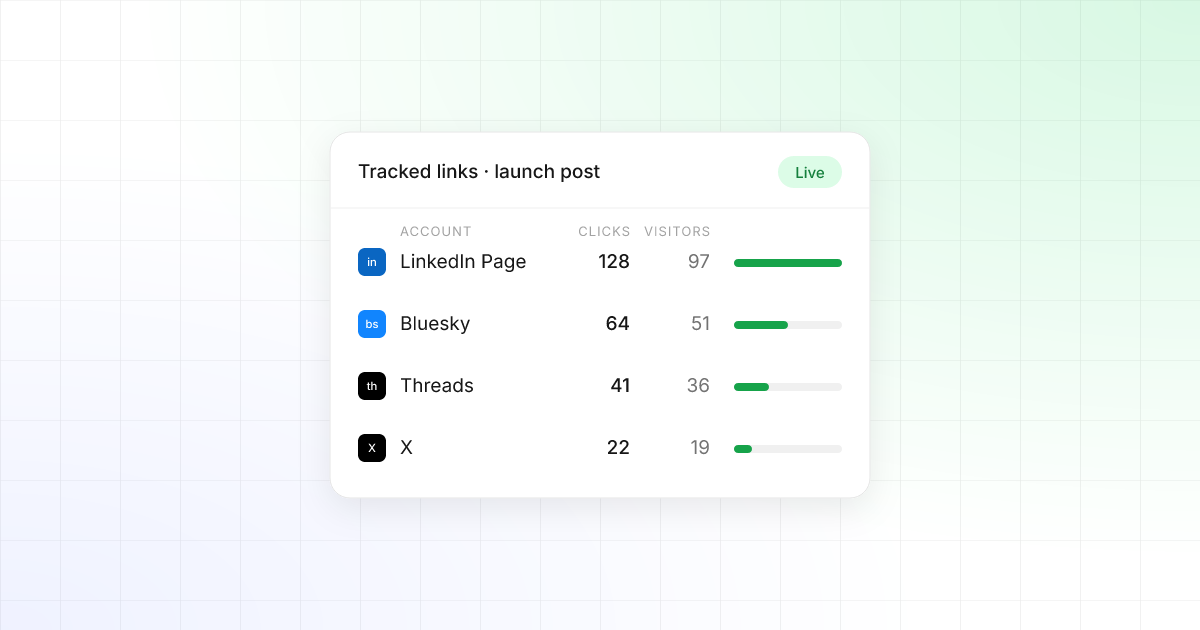
Posting is the easy part. Knowing which post actually sent people to your site – on which network, from which account – has always meant spreadsheets, hand-built links and guesswork. Starting today, TrackMedia does it for you.
How link tracking works
When a post publishes, TrackMedia swaps every link in it for a short link made for that exact account. The same URL posted to LinkedIn, Bluesky and Threads becomes three short links, so each network's clicks are counted on their own.
- Links are only rewritten where people can click them – never in an Instagram or TikTok caption.
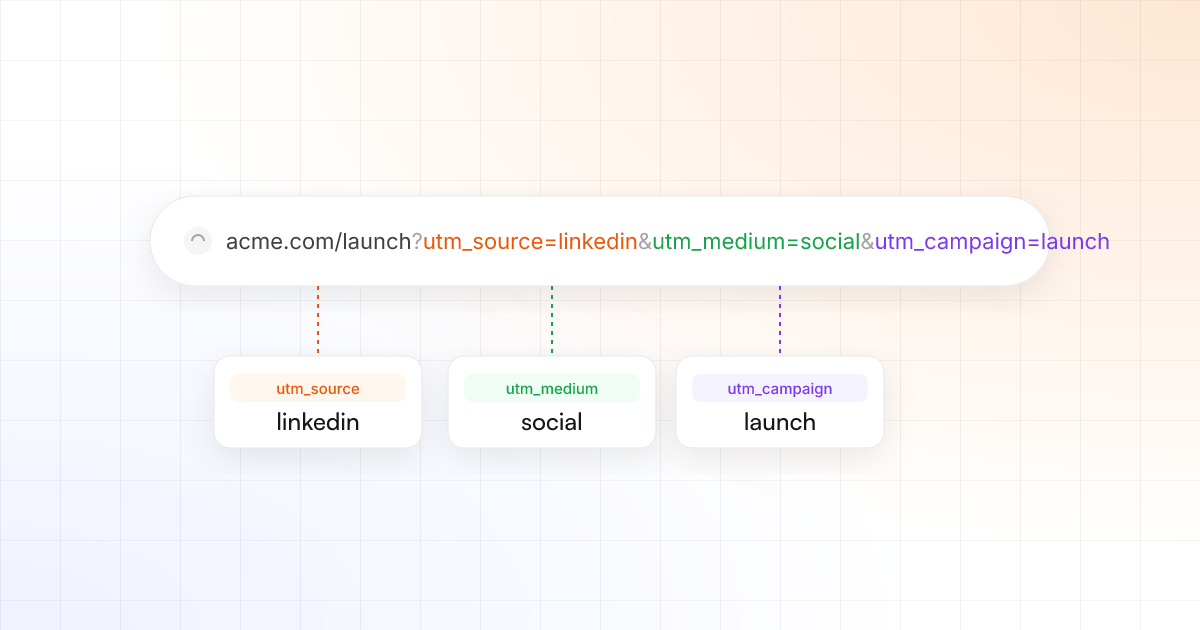
- UTM tags are added to the destination for you, so your analytics sees the same split.
- If a link can't be tracked in time, the post still goes out on schedule, with the link as you wrote it.
See what each post earned
Open Links → Analytics for clicks by day, by network and by link, plus the countries, devices and referrers behind them. Every post's detail page lists its tracked links, with the clicks each account received.
Bots and link-preview crawlers are filtered out, so the numbers you see are people.
You stay in control
Tracking is on by default, and every part of it can be changed in Settings → Links:
- Exclude domains you never want shortened, like
calendly.com. - Leave Pinterest links as written, because Pinterest demotes pins that go through a shortener.
- Switch off a single link in the composer with Don't track.
Get started
Link tracking is included in every plan, with nothing to connect. Publish a post with a link and its short link appears under Links as soon as the post goes out. Start for free.