If a sale comes from social media, your analytics tool has to be told which post sent the visitor. That's all a UTM tag is: a few extra words on the end of a link, read by your analytics when someone arrives.
What a UTM tag looks like
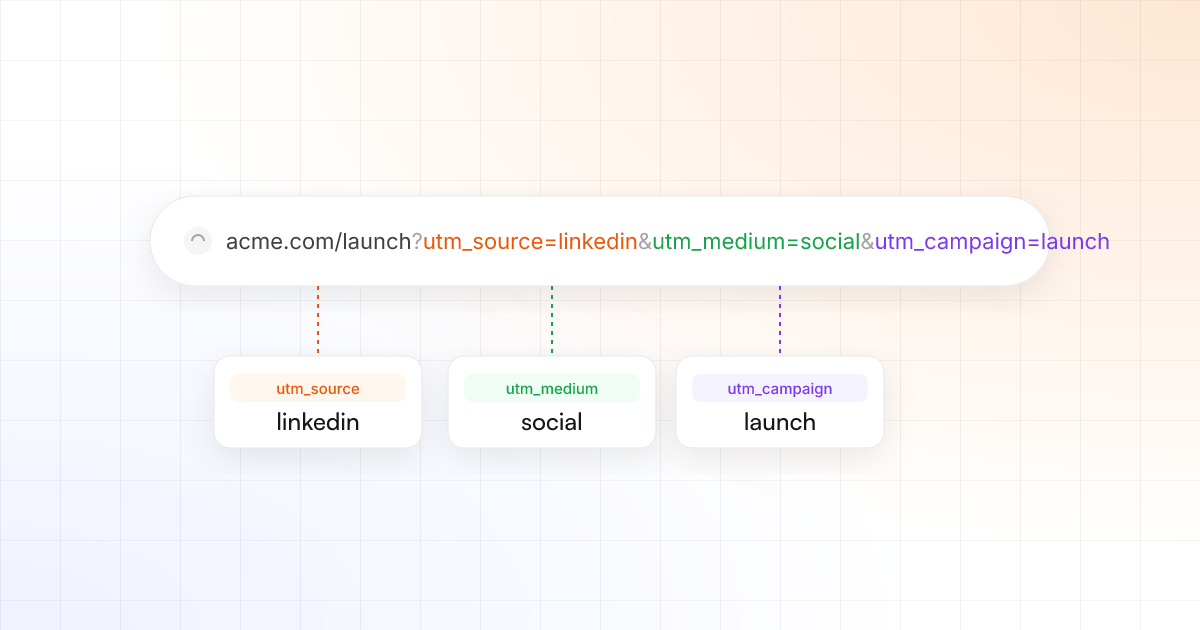
Here is a link to a launch page, tagged for a LinkedIn post:
https://acme.com/launch?utm_source=linkedin&utm_medium=social&utm_campaign=launchEverything after the ? is for your analytics. The visitor still lands on acme.com/launch.
The three tags that matter
- utm_source – where the click came from:
linkedin,bluesky,threads. - utm_medium – the kind of traffic. For every social post,
social. - utm_campaign – what you were promoting:
launch,spring-sale.
Why tagging by hand breaks
Someone forgets a tag. Someone types LinkedIn instead of linkedin, and your report splits one network into two rows. Multiply that by every post on every network and the numbers stop being trustworthy.
The problem is rarely the tags themselves. It's the hundred small moments where a person has to remember to add them.
Let TrackMedia tag every link
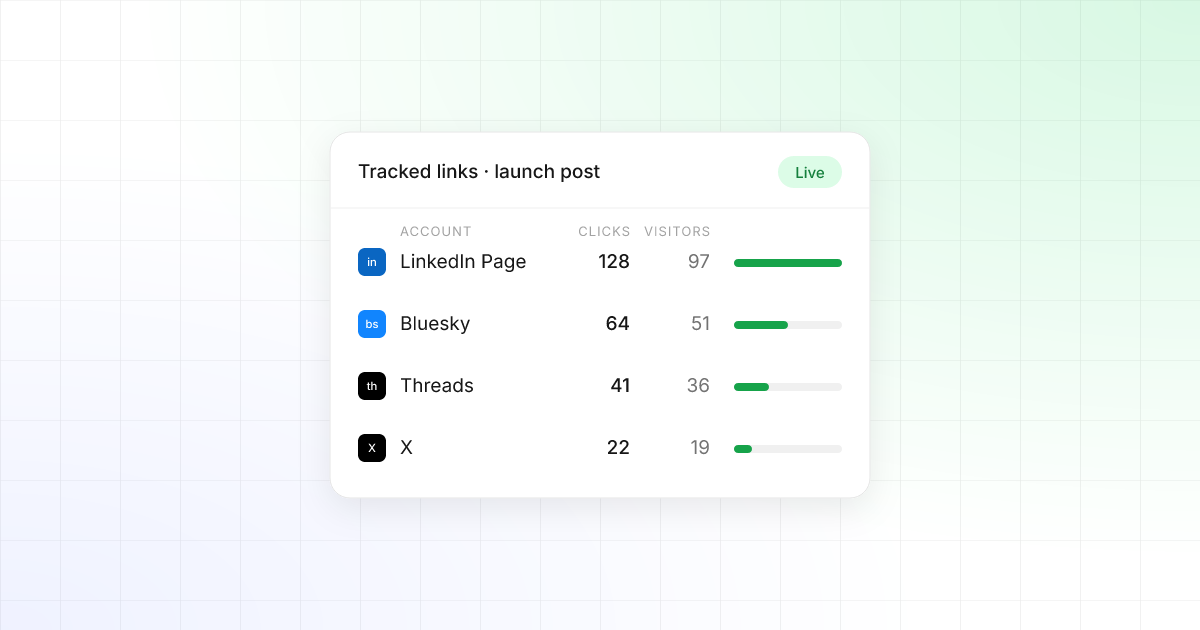
TrackMedia adds utm_source and utm_medium to every tracked link automatically, using the network each post goes out on. Tags you already wrote into a link are never overwritten, and you can change the template in Settings → Links.
Read the results in Google Analytics
- Open Reports → Acquisition → Traffic acquisition.
- Change the primary dimension to Session source / medium.
- Look for rows like
linkedin / social, and compare conversions or revenue per network.
Pair that with the clicks in TrackMedia and you can follow a post from the click to the sale.